Monthly and quarterly commissions, each tied to its deposit.
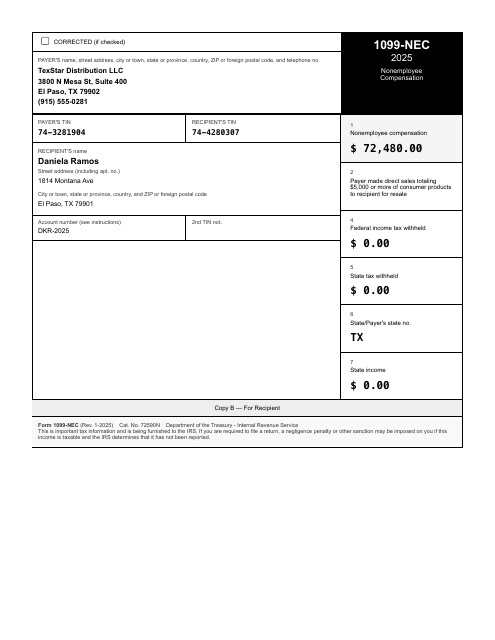
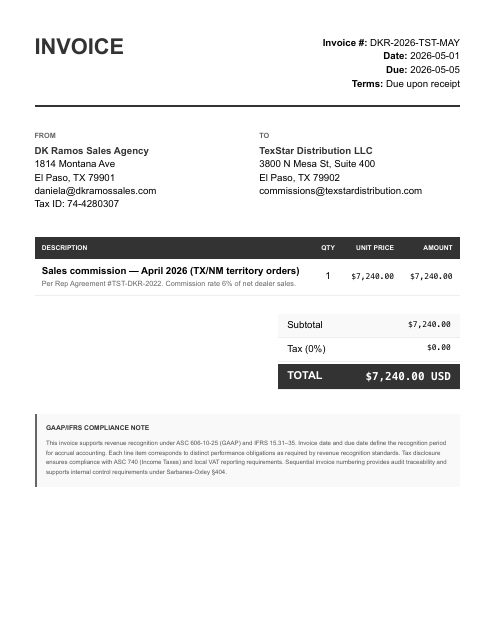
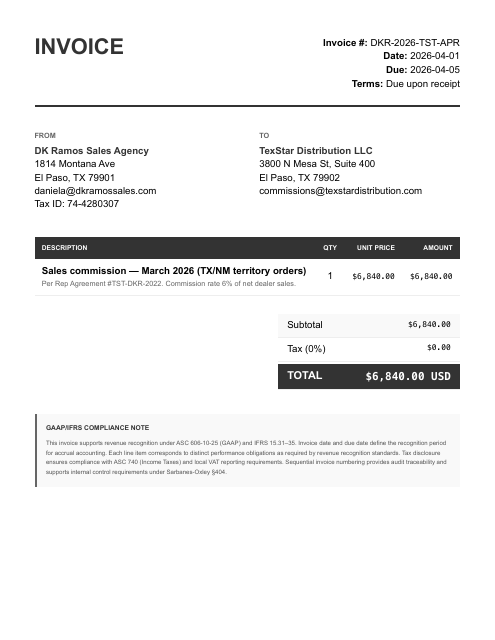
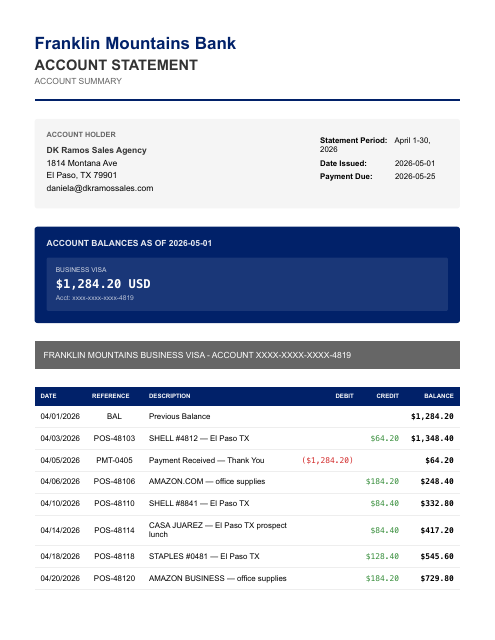
Give your AI your checking and Visa statements, commission invoices, your 1099-NEC, and fuel and meal receipts. Each commission invoice is tied to its deposit, and last year's 1099 stays with last year.
Account first · 1,000,000 free tokens · no credit card
The documents in this sample case.
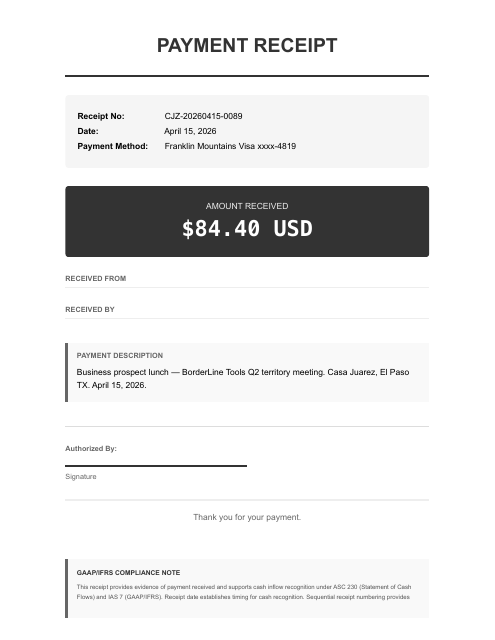
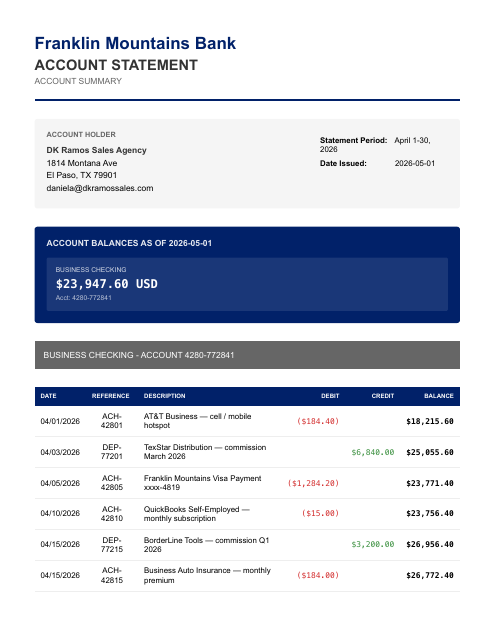
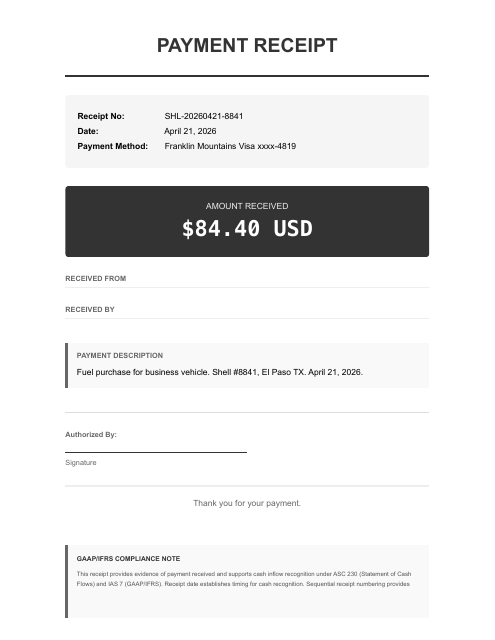
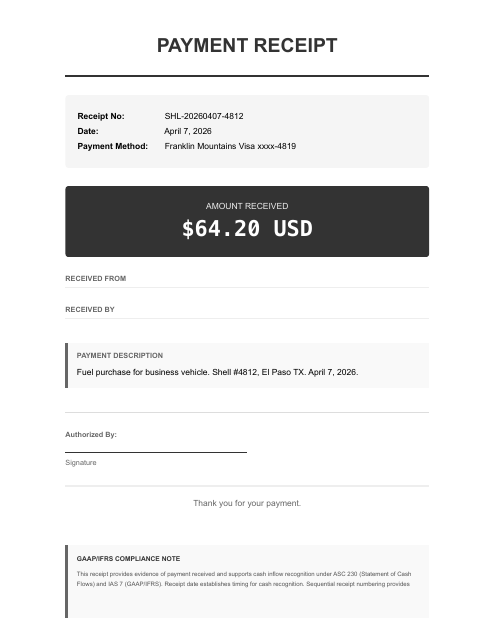
The parts that eat your evening.
- Mixed-use Visa: SaaS subscriptions (Microsoft 365, Zoom, Dropbox) land alongside fuel and prospect meals and all need categorizing
- Solo sole-prop with 1099 income and no W-2 — every dollar flows through Schedule C, and the net profit is SE-taxable
- Commissions arrive on different cadences (TexStar monthly, BorderLine quarterly), creating timing differences between invoice and deposit
It ties the $6,840.00 April commission invoice and the $7,240.00 May invoice to their exact deposits, and keeps the $72,480.00 FY2025 TexStar 1099-NEC with the prior year, where it belongs, while the 2026 commissions build the running total next year's 1099 will be checked against.
Reconciled to the bank. Then ask your AI anything about your books.
Figures from the DK Ramos Sales Agency sample case — a fictional business — each transaction tied to its source document, balanced and review-ready.
Once connected, two steps.
Give your AI the documents.
Give your AI your statements, payouts, receipts, and bills — attach them, then say:
run my books. Your statements are processed only for the work you ask for and never sold; they go to the AI sub-processors on our subprocessor list to be read.Ask for any report.
“Give me a P&L.” “Reconcile May.” “Show the uncategorized transactions.” Review-ready accounting output, in chat. Each entry traces to its source line, so you can question any number in the chat.
Create your account. Continue in the console.
- Create your account
Sign up on any device, phone included. Your free tokens are on the account before you connect anything.
- Sign in on the computer where your AI runs
Open console.finstat.ai on the computer where you use Claude or your other AI, and sign in with the same account. Already on that computer? Keep going.
- Connect FinStat to your AI
Under Connections, pick your AI. The console shows the exact steps for adding FinStat to it. Using Claude? It also needs mcp.finstat.ai allowed before it can upload documents; the console shows where.
The MCP address and the setup steps for each AI are shown under Connections after sign-in.
Start with one month.
Hand the statements to the AI you already use with FinStat connected, and ask for the books. How FinStat compares →