Trust draws that look identical, tied to the right matter.
Give your AI your retainer invoices, court e-filing receipts, research bills, and bank statements. Retainer draws are paired with their invoices, and deposits with no invoice come back flagged.
Account first · 1,000,000 free tokens · no credit card
The documents in this sample case.
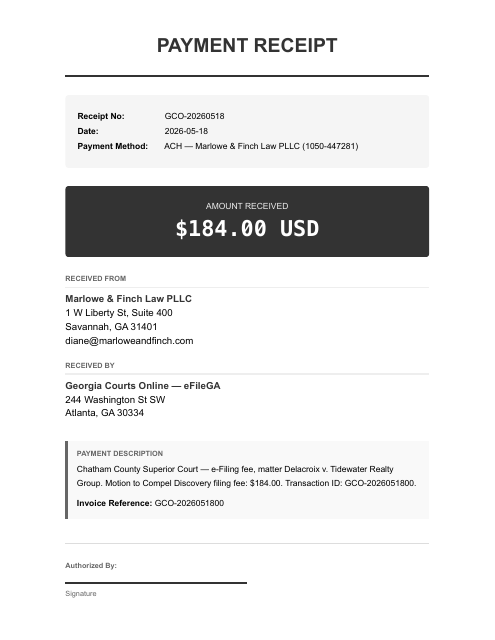
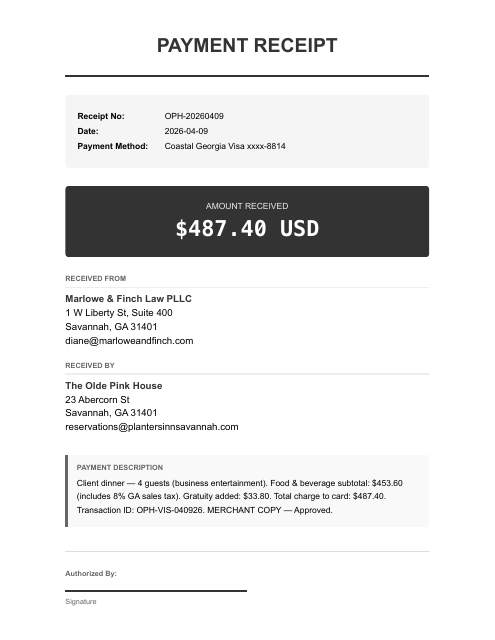
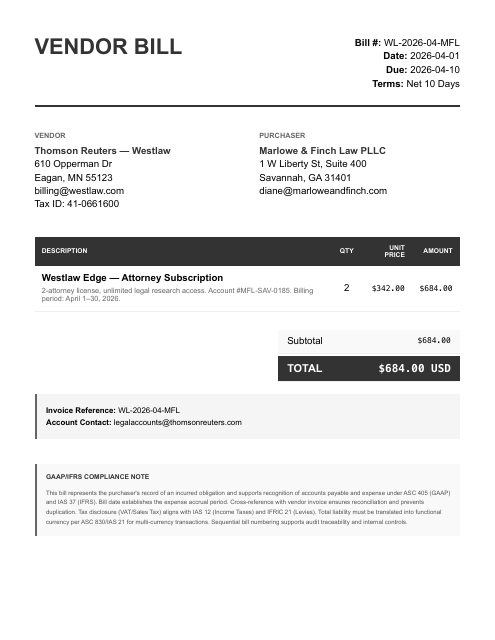
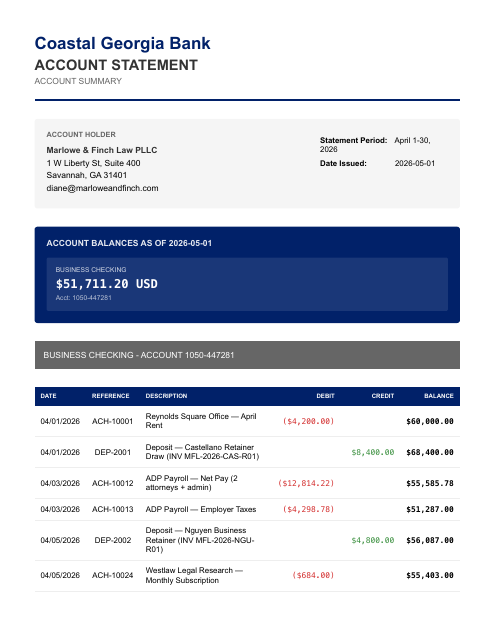
The parts that eat your evening.
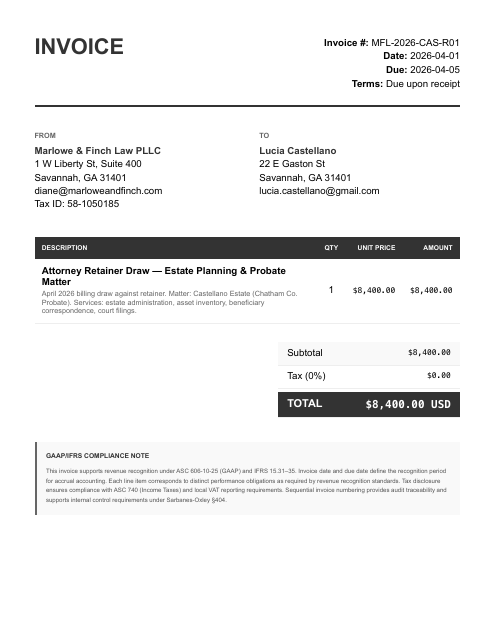
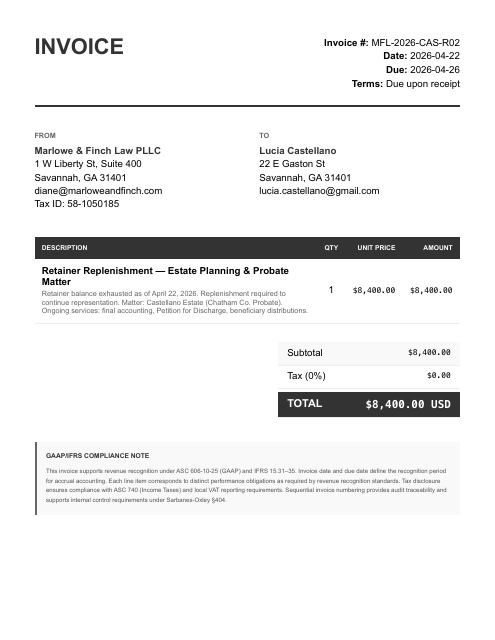
- Earned retainer draws move from the IOLTA trust account into operating as identical amounts that must be tied to the right matter and invoice — and replenishments belong back in trust, never in operating
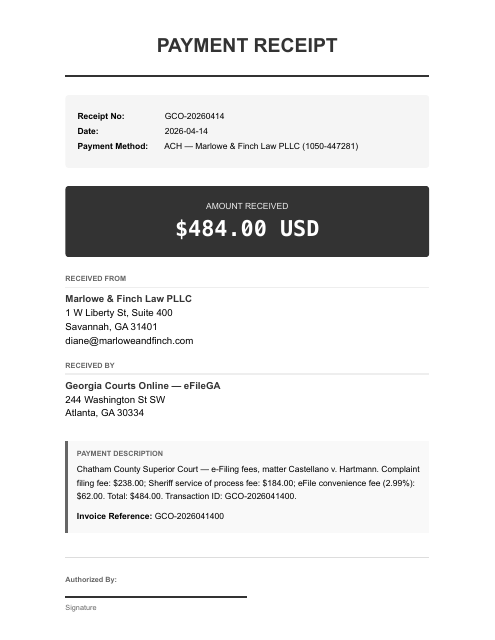
- Court e-filing fees are pass-through costs billed back to clients, not firm expenses
- Hourly matters and partner draws show up as bank deposits and debits with no invoice or payroll report in the folder
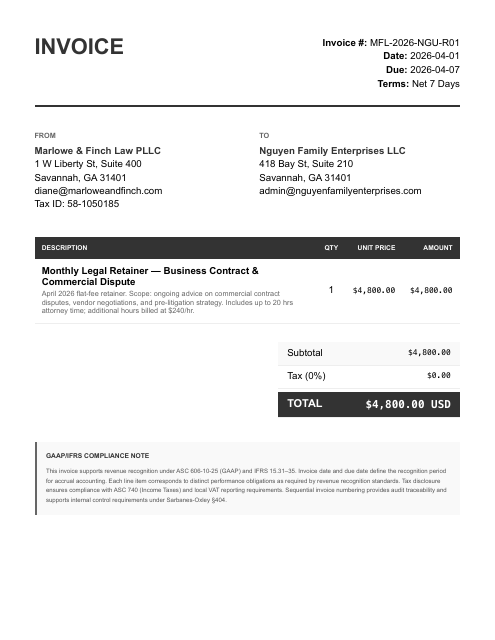
It catches the four hourly-matter deposits — Hartmann, Delacroix, Harrison, and Peabody's $12,000 — that hit checking with no invoices uploaded, while correctly pairing both $8,400 Castellano retainer draws and the recurring $4,800 Nguyen retainer to their actual invoices.
Reconciled to the bank. Then ask your AI anything about your books.
Figures from the Marlowe & Finch Law PLLC sample case — a fictional business — each transaction tied to its source document, balanced and review-ready.
Once connected, two steps.
Give your AI the documents.
Give your AI your statements, payouts, receipts, and bills — attach them, then say:
run my books. Your statements are processed only for the work you ask for and never sold; they go to the AI sub-processors on our subprocessor list to be read.Ask for any report.
“Give me a P&L.” “Reconcile May.” “Show the uncategorized transactions.” Review-ready accounting output, in chat. Each entry traces to its source line, so you can question any number in the chat.
Create your account. Continue in the console.
- Create your account
Sign up on any device, phone included. Your free tokens are on the account before you connect anything.
- Sign in on the computer where your AI runs
Open console.finstat.ai on the computer where you use Claude or your other AI, and sign in with the same account. Already on that computer? Keep going.
- Connect FinStat to your AI
Under Connections, pick your AI. The console shows the exact steps for adding FinStat to it. Using Claude? It also needs mcp.finstat.ai allowed before it can upload documents; the console shows where.
The MCP address and the setup steps for each AI are shown under Connections after sign-in.
Start with one month.
Hand the statements to the AI you already use with FinStat connected, and ask for the books. How FinStat compares →