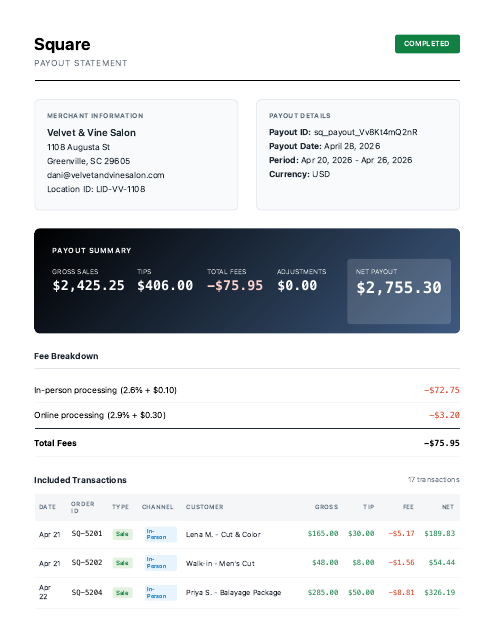
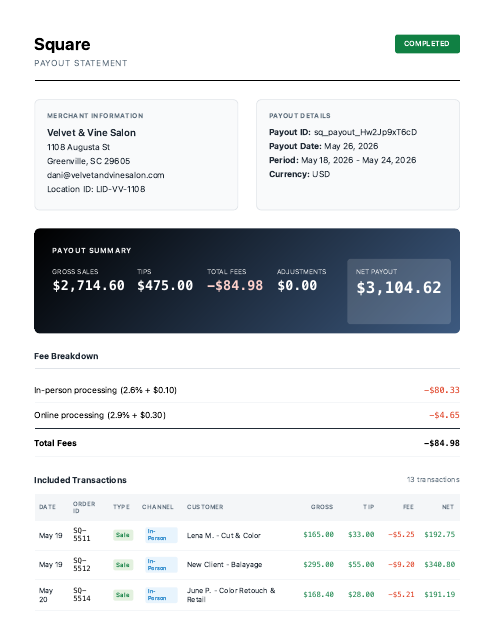
Square payouts with fees out and tips in, matched to the deposit.
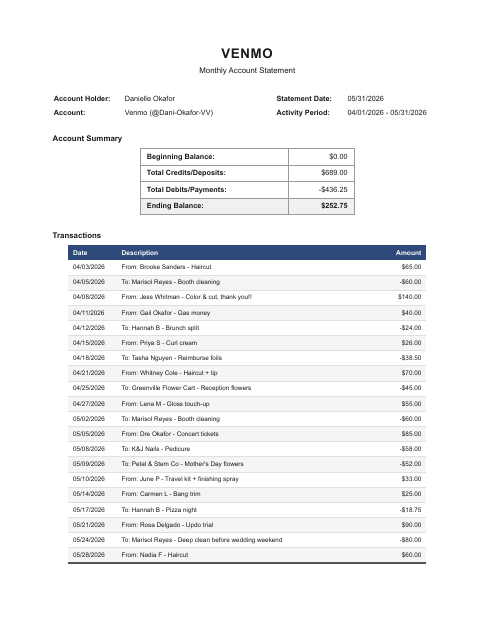
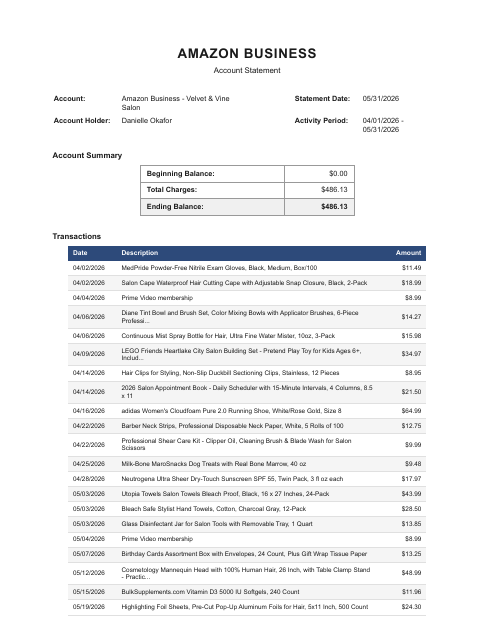
Give your AI your Square payouts, Venmo, card statements, and bills. Each payout is matched to its deposit, off-book Venmo income is surfaced, and personal Amazon buys are set aside.
Account first · 1,000,000 free tokens · no credit card
The documents in this sample case.
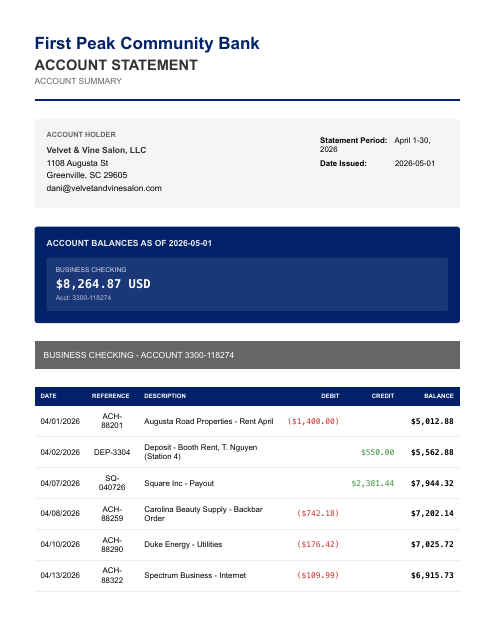
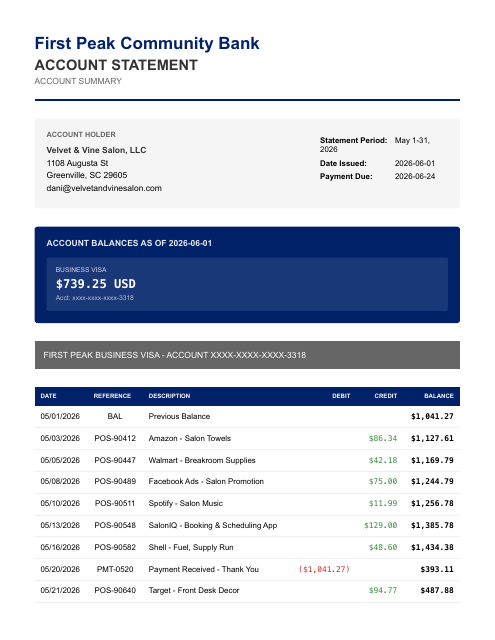
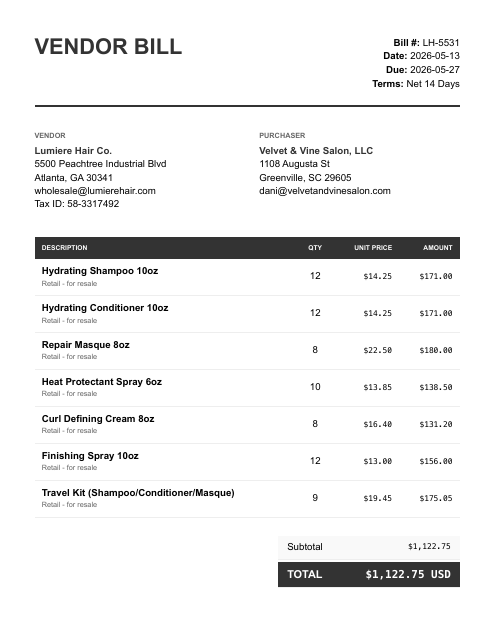
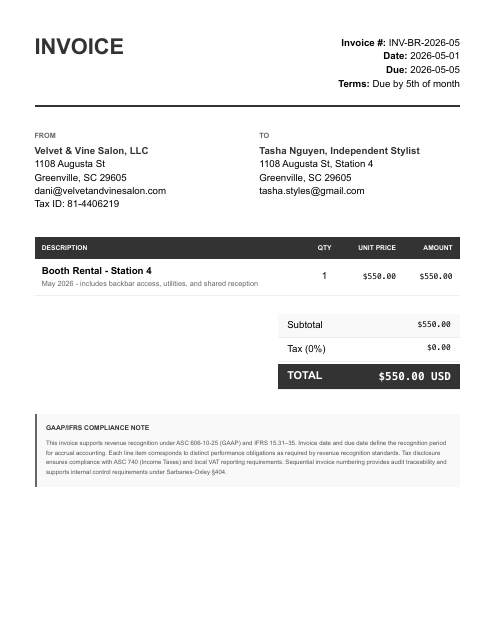
The parts that eat your evening.
- Square pays you net of fees, with tips folded in — reconciling each weekly payout to the deposit is a nightmare by hand
- Booth rent, retail product, and service income all land in one checking account and need to be split
- Personal and business purchases are commingled on the same Amazon and Venmo accounts
It surfaces the $564 of salon income paid through Venmo that never hit the bank — and sets aside the $125 of personal Venmo cash (gas money, concert tickets) — while on the commingled Amazon statement it picks out only the $86.34 of salon supplies that actually went on the business card.
Reconciled to the bank. Then ask your AI anything about your books.
Figures from the Honeybrae Salon, LLC sample case — a fictional business — each transaction tied to its source document, balanced and review-ready.
Once connected, two steps.
Give your AI the documents.
Give your AI your statements, payouts, receipts, and bills — attach them, then say:
run my books. Your statements are processed only for the work you ask for and never sold; they go to the AI sub-processors on our subprocessor list to be read.Ask for any report.
“Give me a P&L.” “Reconcile May.” “Show the uncategorized transactions.” Review-ready accounting output, in chat. Each entry traces to its source line, so you can question any number in the chat.
Create your account. Continue in the console.
- Create your account
Sign up on any device, phone included. Your free tokens are on the account before you connect anything.
- Sign in on the computer where your AI runs
Open console.finstat.ai on the computer where you use Claude or your other AI, and sign in with the same account. Already on that computer? Keep going.
- Connect FinStat to your AI
Under Connections, pick your AI. The console shows the exact steps for adding FinStat to it. Using Claude? It also needs mcp.finstat.ai allowed before it can upload documents; the console shows where.
The MCP address and the setup steps for each AI are shown under Connections after sign-in.
Start with one month.
Hand the statements to the AI you already use with FinStat connected, and ask for the books. How FinStat compares →