Progress draws that span months, tied to the right invoice.
Give your AI your progress-draw invoices, subcontractor W-9s and 1099s, materials bills, and bank and Visa statements. Each draw is tied to its invoice and deposit, and 1099 totals stay in the right year.
Account first · 1,000,000 free tokens · no credit card
The documents in this sample case.
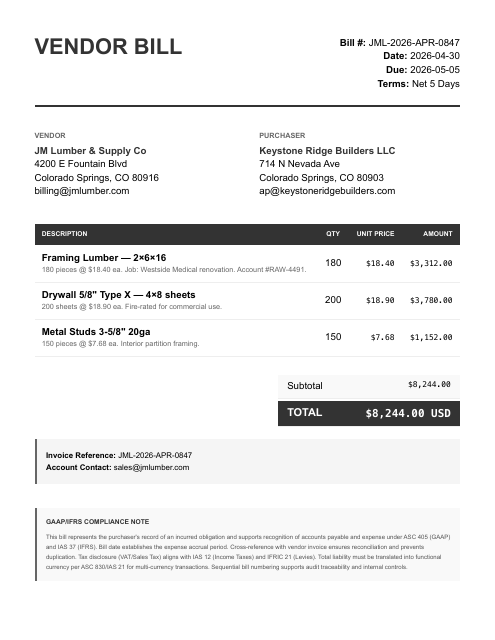
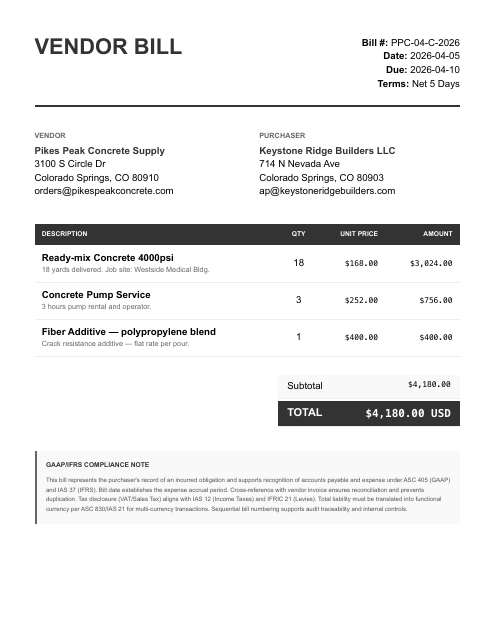
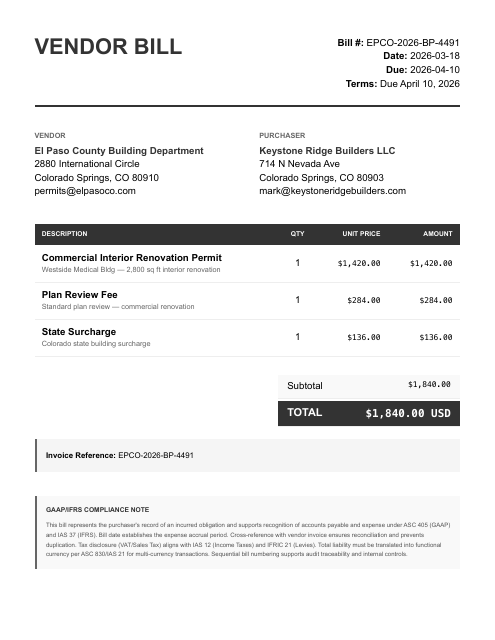
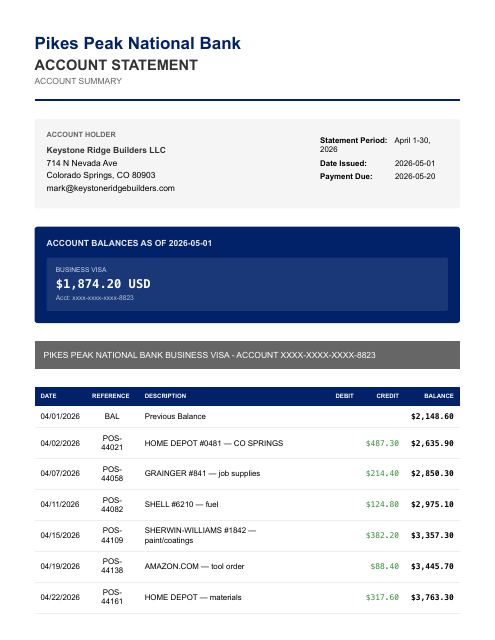
The parts that eat your evening.
- Big jobs bill in progress draws across months — Westside Medical is four $28,000 draws — so deposits never match a single invoice cleanly
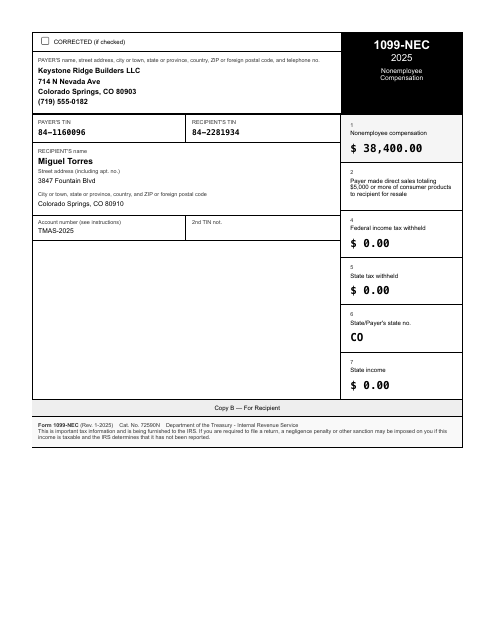
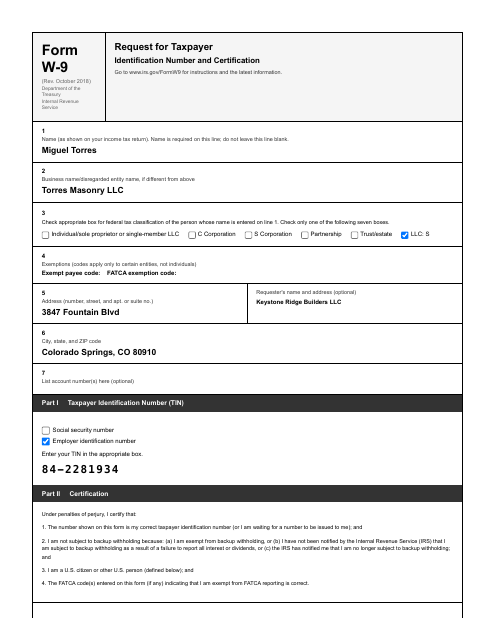
- Subcontractor payments have to tie out to a W-9 and a 1099-NEC at year end, and draws span multiple periods
- Materials run through two suppliers on account plus small buys on the Visa, all needing to be matched to bills
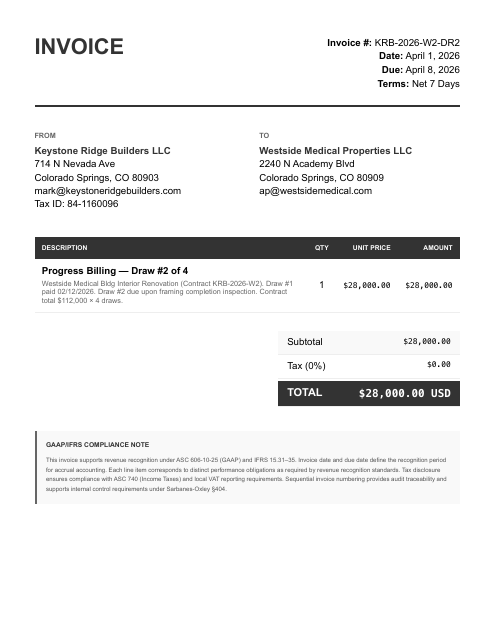
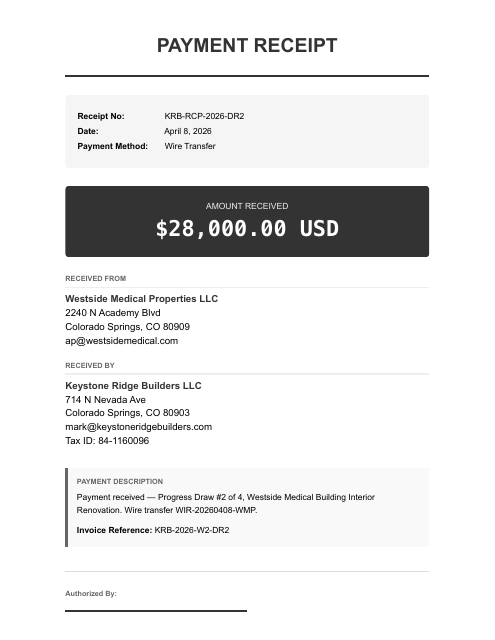
It ties Westside Medical's $28,000 Draw #2 across invoice, deposit, and wire receipt, keeps Torres Masonry's $38,400 FY2025 1099-NEC out of this period while starting the 2026 total from $11,700 in checks, and flags a Draw #3 deposit with no invoice.
Reconciled to the bank. Then ask your AI anything about your books.
Figures from the Keystone Ridge Builders LLC sample case — a fictional business — each transaction tied to its source document, balanced and review-ready.
Once connected, two steps.
Give your AI the documents.
Give your AI your statements, payouts, receipts, and bills — attach them, then say:
run my books. Your statements are processed only for the work you ask for and never sold; they go to the AI sub-processors on our subprocessor list to be read.Ask for any report.
“Give me a P&L.” “Reconcile May.” “Show the uncategorized transactions.” Review-ready accounting output, in chat. Each entry traces to its source line, so you can question any number in the chat.
Create your account. Continue in the console.
- Create your account
Sign up on any device, phone included. Your free tokens are on the account before you connect anything.
- Sign in on the computer where your AI runs
Open console.finstat.ai on the computer where you use Claude or your other AI, and sign in with the same account. Already on that computer? Keep going.
- Connect FinStat to your AI
Under Connections, pick your AI. The console shows the exact steps for adding FinStat to it. Using Claude? It also needs mcp.finstat.ai allowed before it can upload documents; the console shows where.
The MCP address and the setup steps for each AI are shown under Connections after sign-in.
Start with one month.
Hand the statements to the AI you already use with FinStat connected, and ask for the books. How FinStat compares →