Which invoice was that client deposit for? Your AI can tell you.
Give your AI your retainer invoices, vendor bills, bank and Visa statements. Client deposits are matched to their invoices, and payments with no bill or invoice behind them come back flagged.
Account first · 1,000,000 free tokens · no credit card
The documents in this sample case.
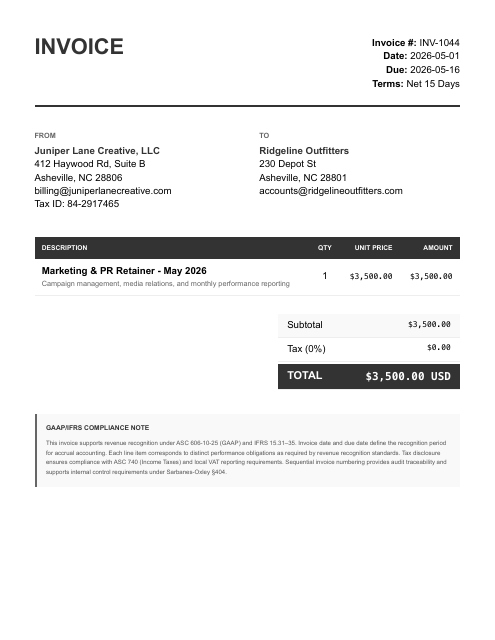
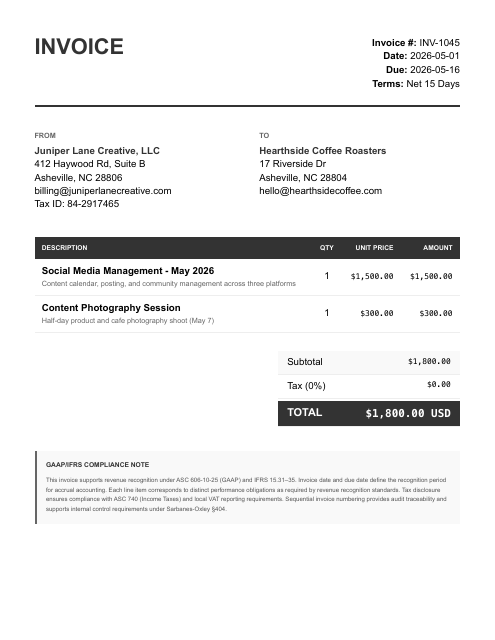
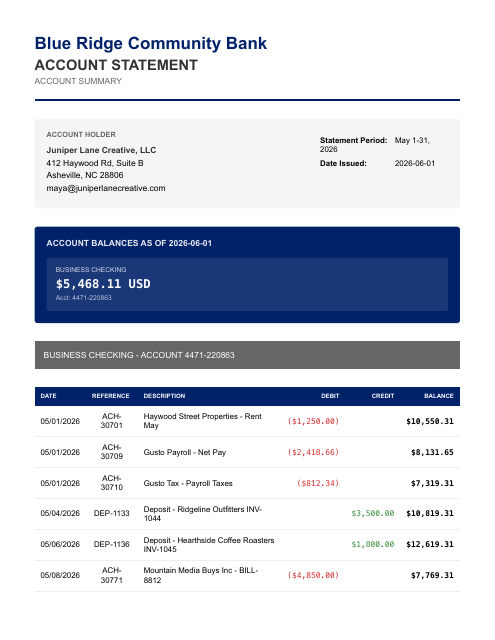
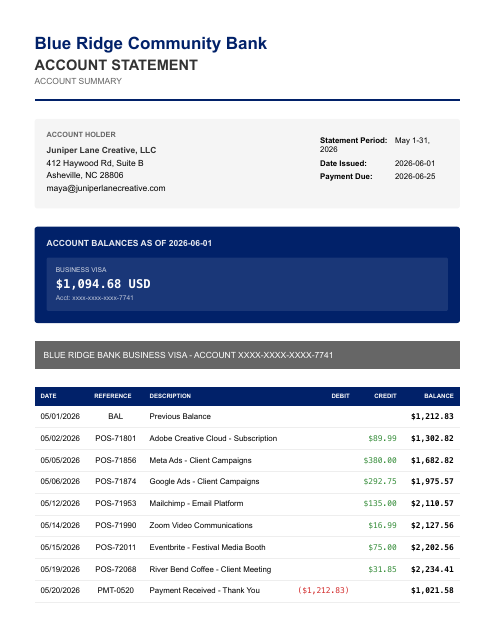
The parts that eat your evening.
- Retainer, project, and 50/50 deposit revenue all blur together — each client deposit has to be matched back to the right invoice and milestone
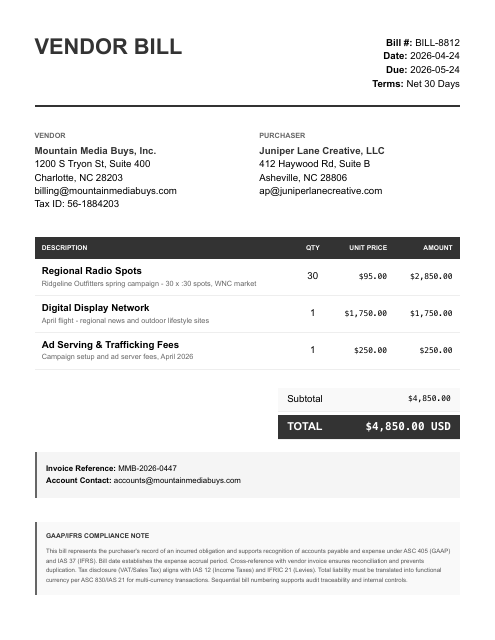
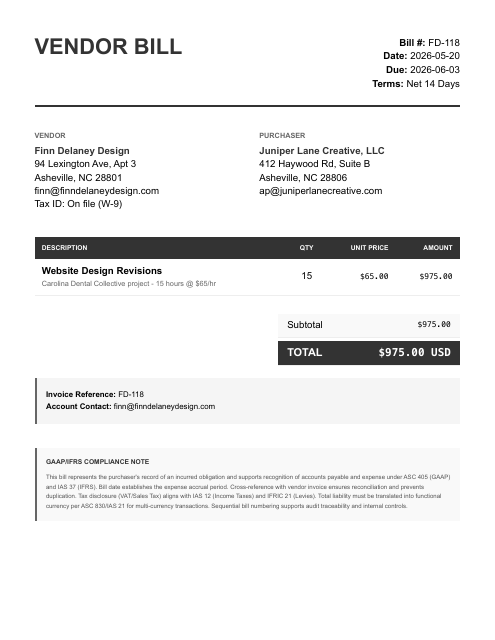
- Pass-through media buys and a 1099 freelance designer mix into the same checking account as real overhead
- Owner draws and Gusto payroll only show up on the bank statement — no payroll reports to reconcile against
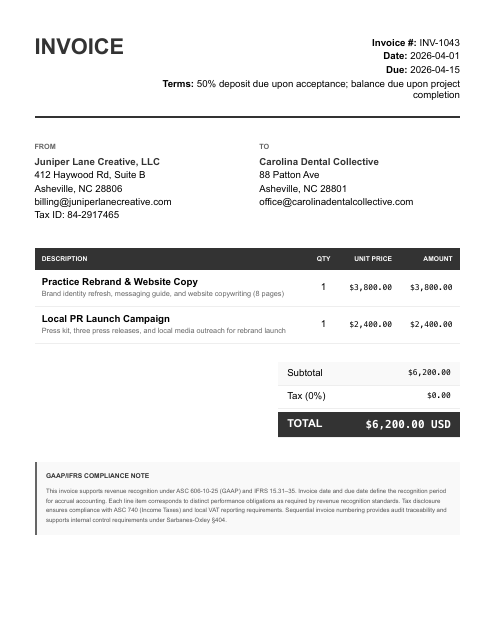
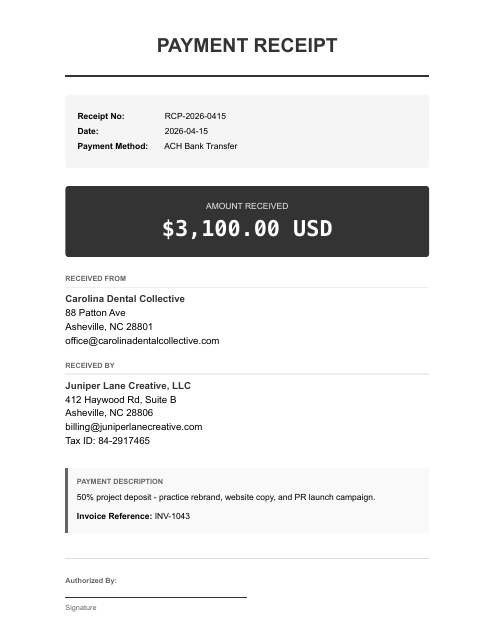
It ties the $6,200 Carolina Dental rebrand to its two matching $3,100 deposits and the deposit receipt, then flags that April's $1,600 check to freelancer Finn Delaney has no bill in the folder — and that deposits referencing invoices 1041, 1042, and 1038 have no matching invoice PDF at all.
Reconciled to the bank. Then ask your AI anything about your books.
Figures from the Juniper Lane Creative, LLC sample case — a fictional business — each transaction tied to its source document, balanced and review-ready.
Once connected, two steps.
Give your AI the documents.
Give your AI your statements, payouts, receipts, and bills — attach them, then say:
run my books. Your statements are processed only for the work you ask for and never sold; they go to the AI sub-processors on our subprocessor list to be read.Ask for any report.
“Give me a P&L.” “Reconcile May.” “Show the uncategorized transactions.” Review-ready accounting output, in chat. Each entry traces to its source line, so you can question any number in the chat.
Create your account. Continue in the console.
- Create your account
Sign up on any device, phone included. Your free tokens are on the account before you connect anything.
- Sign in on the computer where your AI runs
Open console.finstat.ai on the computer where you use Claude or your other AI, and sign in with the same account. Already on that computer? Keep going.
- Connect FinStat to your AI
Under Connections, pick your AI. The console shows the exact steps for adding FinStat to it. Using Claude? It also needs mcp.finstat.ai allowed before it can upload documents; the console shows where.
The MCP address and the setup steps for each AI are shown under Connections after sign-in.
Start with one month.
Hand the statements to the AI you already use with FinStat connected, and ask for the books. How FinStat compares →